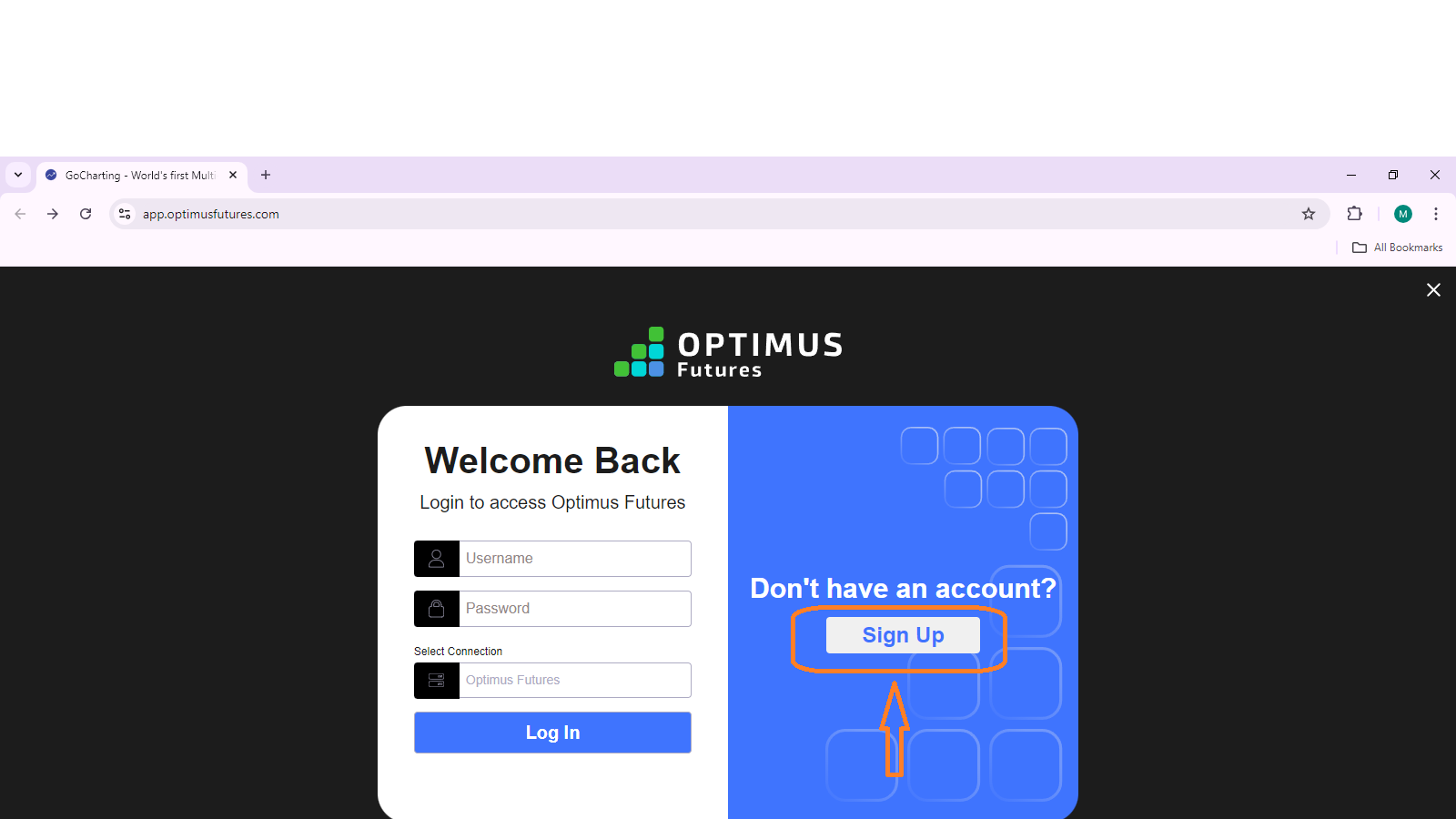
Login Page for Optimus Futures
Overview
The login page allows users to access their Optimus Futures account to trade and view market data. Below is the step-by-step process for logging in and an overview of the available features.
Steps to Log In
Visit the Login Page
Navigate to the following URL: https://app.optimusfutures.com. This will bring you to the login page, where you can sign in to your Optimus Futures account.

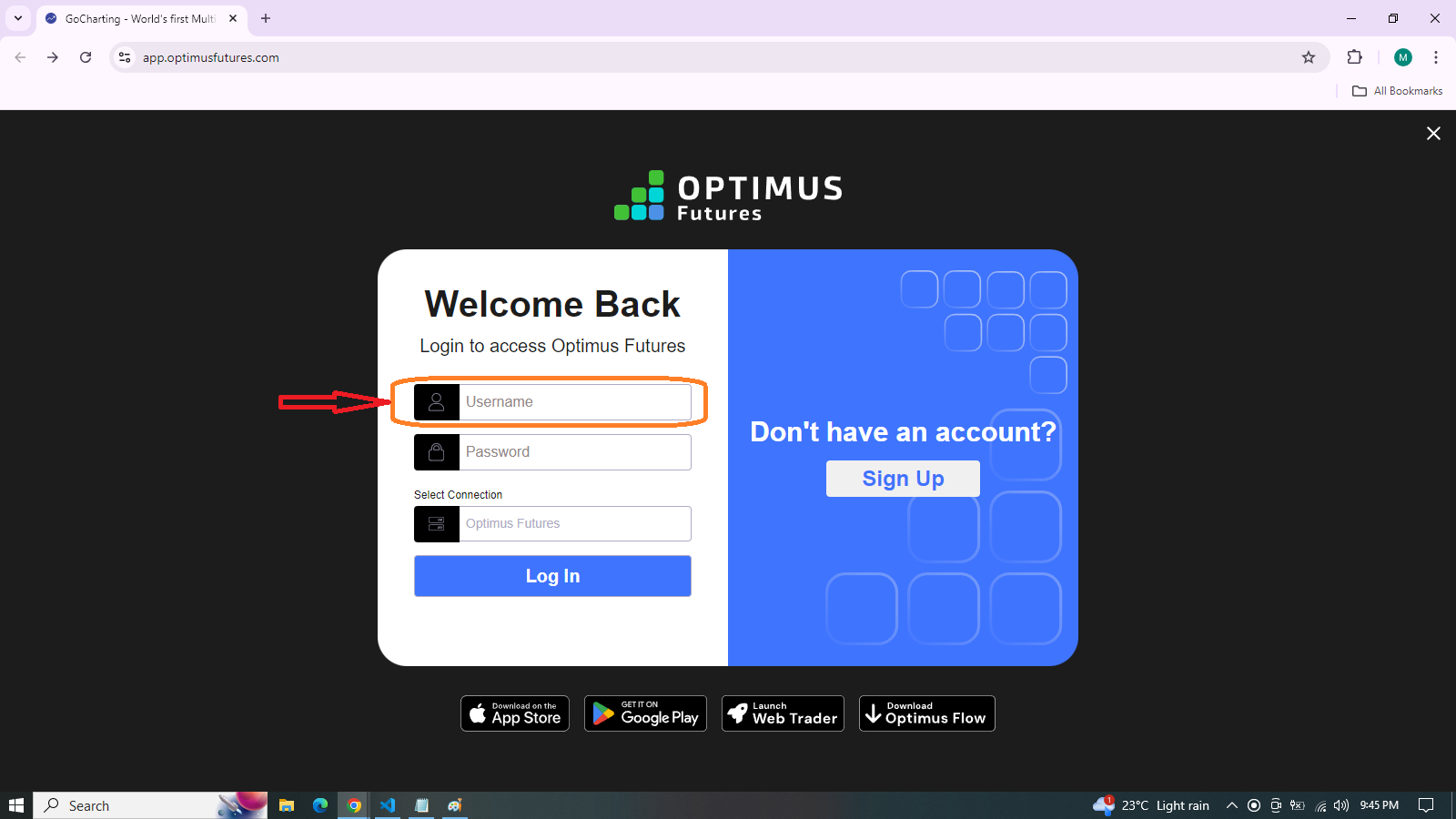
Enter Username
In the first field labeled “Username”, enter your registered username associated with your Optimus Futures account.
Enter Password
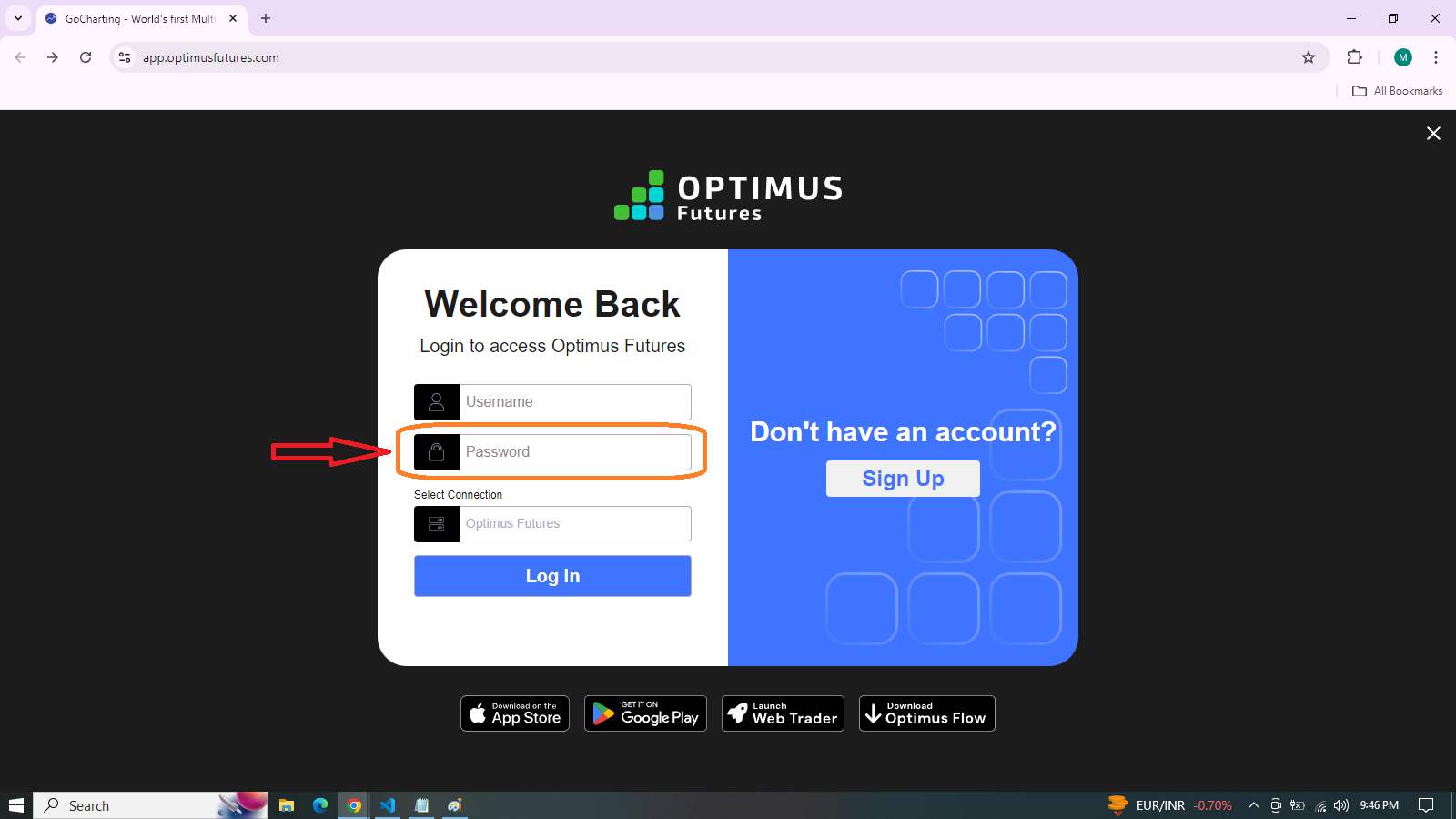
In the second field labeled “Password”, input your account password.
Make sure your password is secure and has not been shared with others for account safety.
Select Connection
There is an option to select your connection, which defaults to “Optimus Futures”.

If there are multiple connection options available, choose the correct one for your account access.
Click Log In
After entering your username, password, and ensuring the connection is correct, click the “Log In” button.
Additional Options
Sign Up
If you do not have an account, click the “Sign Up” button on the right side to create a new account.